
Hidden Cameras for the Office
Our Top Picks for Office and Workplace Monitoring


Choosing the Right Hidden Camera for Your Office Situation
Office surveillance needs break into two distinct use cases: stationary monitoring of a space and personal documentation you carry with you. The right camera depends entirely on which problem you’re solving.
Stationary space monitoring means capturing everything that happens in a specific area — a stockroom, reception desk, executive office, cash register, or equipment storage area. For this, the plug-in USB Charger Camera is the strongest option. It never runs out of power, it blends into any desk or credenza as a phone charger, and loop recording means you don’t have to remember to check and clear the card. Motion activation keeps footage dense with events rather than hours of empty room.
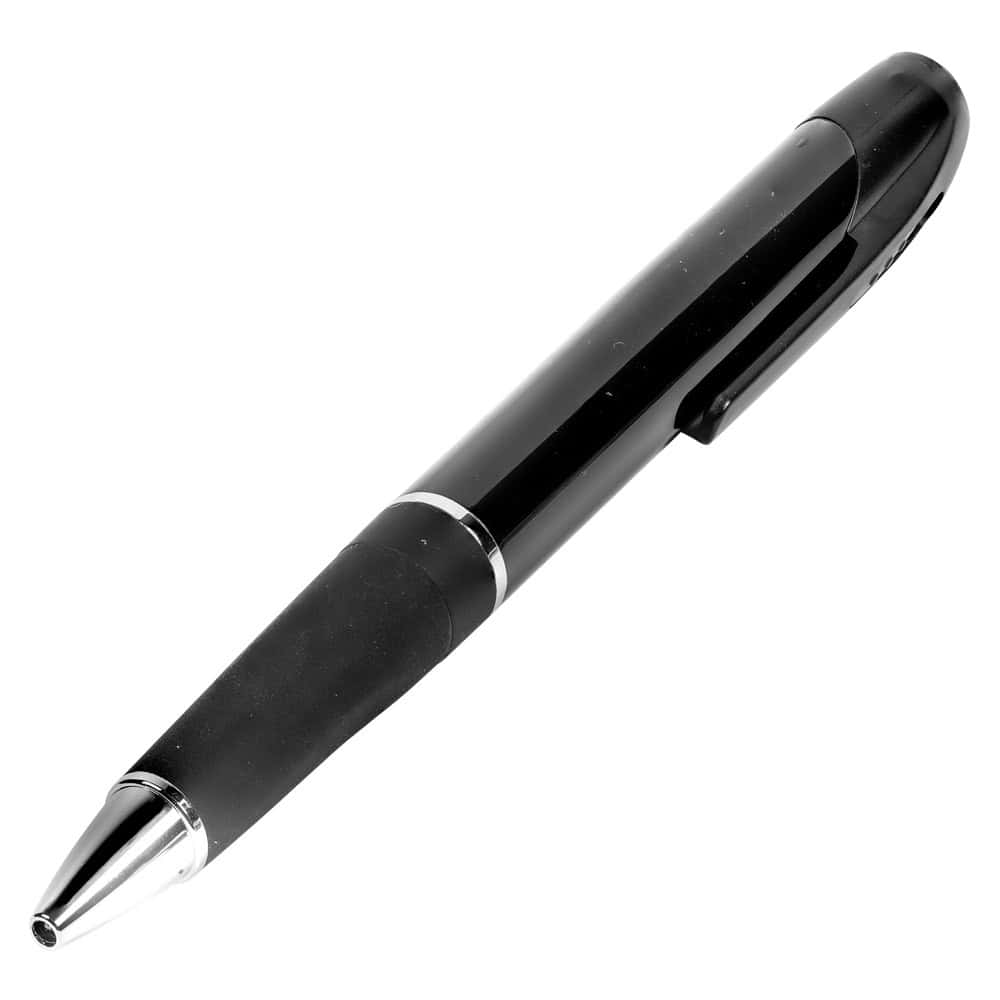
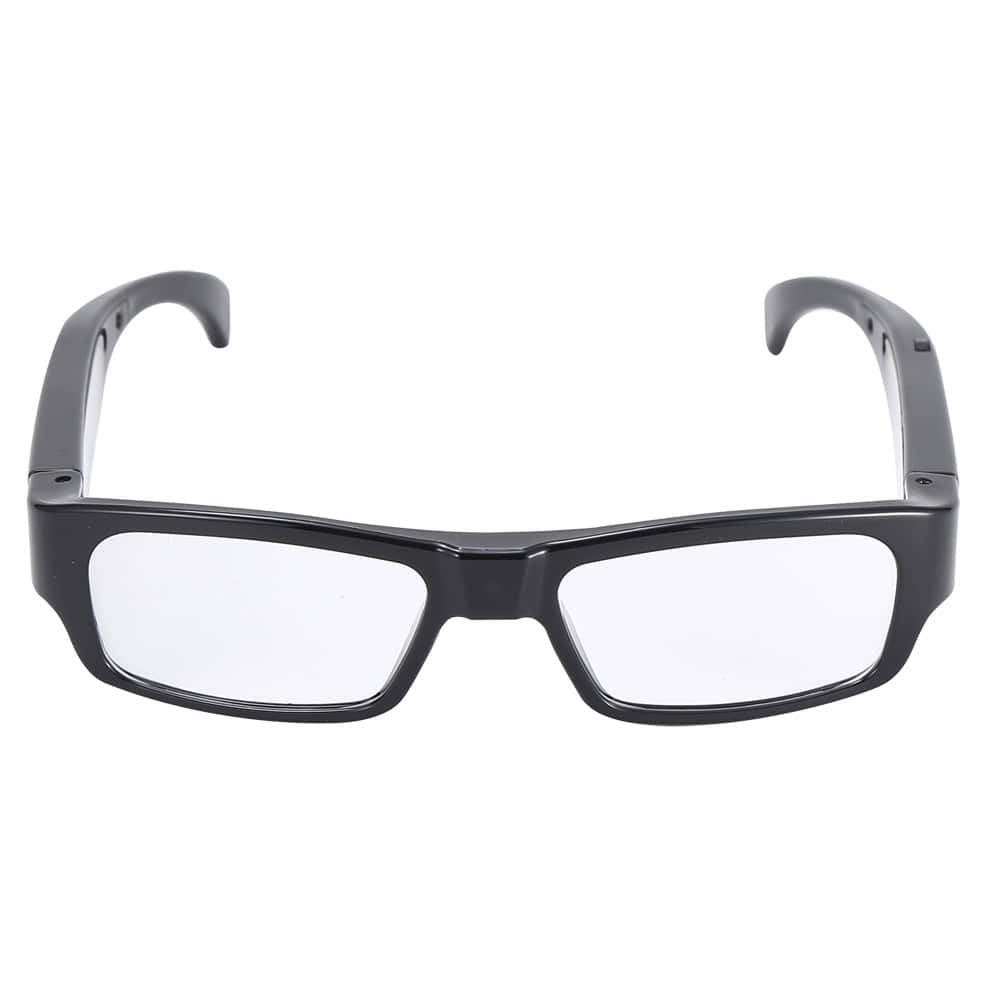
Personal documentation means capturing interactions you’re part of — client meetings, employee conversations, walkthroughs of a facility, or field work where you need a portable record. For this, the HD Pen Camera and the Eyeglasses Camera serve different styles. The pen sits on your desk or in your pocket and requires a single button press to start recording. The glasses are simply worn — no item to carry, no obvious camera to explain, and no one-button activation visible to anyone else.
Room-level coverage without a power outlet is where the Mini Cube Camera fits. At one inch square, it disappears on a bookshelf, windowsill, or monitor stand and activates only on motion. The included wall bracket lets you angle it precisely toward the area that matters.
Where and How to Position Office Hidden Cameras
Camera placement in an office follows different logic than home monitoring. Office environments have more predictable traffic patterns — people enter through specific doors, transactions happen at specific stations, and interactions cluster in a few defined spots.
Point toward transaction and entry zones. Cash handling areas, reception desks, computer workstations with sensitive data, and server closets or storage rooms are the highest-value coverage points in most office environments. A USB charger camera on a desk or credenza covering a cash register or register-adjacent workspace is one of the most common effective configurations.
For coverage during meetings, start recording before the other party arrives. The HD Pen Camera has a 1.5-hour recording window — enough for most business meetings. Clip the pen to your notebook or set it upright in a pen holder pointed at the meeting area. One press before the meeting starts, one press after it ends.
Keep height consistent with natural sight lines. A camera mounted at desk height (28–32 inches) captures seated interactions. A camera at standing height (48–60 inches) covers movement through a space. Avoid mounting cameras high on walls where the angle produces a top-down view — faces are harder to identify and context is harder to establish in ceiling-angle footage.
Label storage and server rooms clearly as monitored. In many states, posting notice of video surveillance is a legal requirement in commercial spaces. Check your state’s workplace surveillance law and consult your HR or legal team if employees are present in monitored spaces.
Workplace Camera Legal Basics for Business Owners
The legal framework for workplace hidden cameras is more structured than home use — and the consequences of getting it wrong can be significant. Here’s a quick-reference orientation:
Video in common work areas is broadly permitted. Open offices, warehouses, retail floors, lobbies, parking lots, and production floors are almost universally legal to monitor with video in the U.S. Courts have consistently upheld employer rights to surveil business property.
Audio is the line most employers cross accidentally. Adding audio recording to workplace surveillance in many states requires either all-party consent or at minimum clear posted notice. Federal wiretapping law also applies. If your hidden camera records audio, consult state-specific wiretapping rules before using it in employee-facing spaces.
Private areas are absolutely off-limits. Recording in restrooms, locker rooms, changing areas, or any space where an employee has a reasonable expectation of privacy is a serious legal violation regardless of state. No business justification overrides this.
Purpose and proportionality matter. Courts scrutinize whether the surveillance was reasonably related to a legitimate business need. Monitoring a cash register differs from monitoring an employee’s personal workstation. Have a documented reason for where cameras are placed.
We recommend consulting an employment attorney before rolling out any systematic workplace hidden camera program.
Frequently Asked Questions
Not Sure Which One to Choose?
Whether you're monitoring a stockroom, documenting client meetings, or setting up a discreet desk camera, we can help you pick the right model and placement. Call us at 800-859-5566.
Shop All Hidden Cameras